

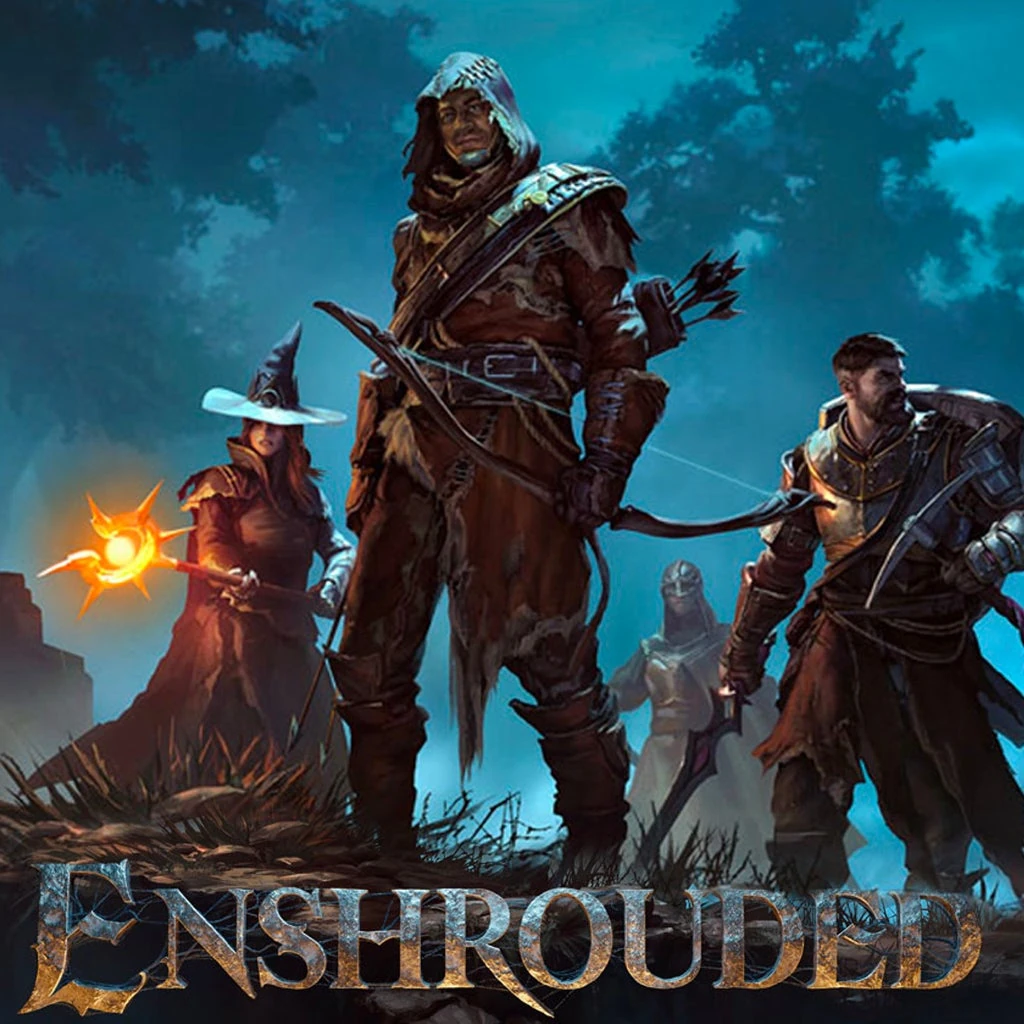
Enshrouded Dedicated Server Hosting - Adventure Sharing Ready, Co-op Worlds for 16 Players
Last reviewed: 2026-05-03 · Updated for v0.9.1.0 Adventure Sharing & current admin commands
Launch a managed Enshrouded dedicated server in 2 minutes with fast autosaves, stable performance, and easy world management. Adventure Sharing-ready - your hosted world becomes a sharable destination on the community map. We handle the ops so your crew can focus on exploration.
- Low latency regions
- Fast autosaves
- FTP access
- Region switching
- Private servers
- Branding-free servers
- On-demand backups
- Helpful support
- 2-Day Refund Policy
- Uncapped RAM
- User-friendly control panel
Pick a plan
Choose a plan based on player count and world complexity.
Launch instantly
Provision your world and set your rules.
Invite your crew
Share the IP and scale without wipes.

Plan S
$999
/ per month
Up to 5 Players
A lean, reliable Enshrouded plan for small co-op groups and casual exploration.

Plan M
$1299
/ per month
Up to 10 Players
Balanced for larger co-op crews, active worlds, and deeper exploration.

Plan L
$2499
/ per month
Up to 30 Players
The best choice for large groups, long-running worlds, and ambitious builders.
Worlds that stay safe
Keep your world secure with reliable autosaves, backups, and quick restores. Upload worlds and configs from the control panel and keep everything organized as your server evolves.
Co-op friendly by design
Play with friends across regions, build together, and scale your base without hiccups. Choose the closest region for low latency and move later without wiping progress.
Game configuration and customization
Tune your server settings, password-protect your world, and customize gameplay parameters. Upload custom saves or start fresh with a few clicks.
Select difficulty presets (Default, Relaxed, Hard, Survival, or Custom) from the panel to match your group's pace on your Enshrouded dedicated server.
Scheduled restarts
Set daily or weekly restart windows from the panel so your Enshrouded server refreshes memory and applies updates overnight instead of mid-raid. In-game warnings give players time to wrap up before a restart fires.
Self-host vs paid Enshrouded hosting - what actually changes
Self-hosting Enshrouded on your gaming PC works for small co-op groups, but breaks down fast at 8+ players or when you want 24/7 uptime. The honest breakdown:
| Concern | Self-host on your PC | Supercraft hosted |
|---|---|---|
| 24/7 uptime | PC must stay on; sleep / Windows updates kill the world | Always-on, restarts scheduled |
| Port forwarding (15777, 15778, 15779 UDP) | You configure router, deal with CGNAT/double-NAT | Public IP + ports configured by us |
| Friend ping while you play | Friends get YOUR upload-speed bottleneck | Symmetric datacenter bandwidth, region of choice |
| RAM cost during play | Server eats 6-12GB of YOUR PC's RAM, on top of running the game | Dedicated RAM on the server, your PC is free |
| Backup discipline | Manual; easy to lose progress on a crash | Automatic snapshots + on-demand restore |
| DDoS protection | None - your home IP is exposed to teammates and rivals | Included on every plan |
| Cross-region migration | Re-host from scratch | Switch regions, keep world + characters |
| Cost (16-player crew) | PC electricity 24/7 + bandwidth = $15-25/mo equivalent | $24/mo Plan L, no PC tied up |
Rule of thumb: self-host for <6 player groups when the host plays daily; rent for 6+ players, mixed timezones, or anyone who wants to log off without ending the session. See how a dedicated Enshrouded server compares to a peer-hosted co-op world for the full breakdown.
Enshrouded server hardware requirements (verified for 16 players)
Keen Games' official dedicated-server requirements for a 16-player Enshrouded world are heavier than most survival games - voxel terrain modifications and shroud streaming both add memory pressure. What an Enshrouded dedicated server actually needs:
- RAM: 8GB minimum for 4 players; 12-16GB recommended for 16-player groups with active building
- CPU: Modern multi-core; the game prefers high single-thread performance for the world simulation tick
- Storage: NVMe strongly preferred - voxel save files grow fast and SSD speed affects autosave hitches
- Network: Symmetric upload - Enshrouded's protocol benefits from low-latency UDP on ports 15777-15779
- OS: Linux (recommended for performance) or Windows; the dedicated server build runs on both via SteamCMD
For the deep dive on tuning your dedicated server, see Enshrouded dedicated server performance guide. For installation walkthrough, see dedicated server setup.
Adventure Sharing-ready hosting
The v0.9.1.0 update added Adventure Sharing - your hosted world becomes discoverable on the community map, with featured slots for crews who run unique builds, dungeon-tuned settings, or roleplay rulesets. Hosted servers have an advantage here: 24/7 uptime means your adventure stays browsable; PC-hosted worlds disappear from the map when the host logs off.
If you're running an Adventure Sharing destination, see Adventure Sharing 2026 guide and 16-player difficulty scaling to tune your world for visiting crews.
What's already on your Enshrouded server with us
- Admin commands - full reference, configurable in your
enshrouded_server.json - Configuration guide - every server-config setting explained
- FPS / performance tuning - server-side and client-side
- Enshrouded 2026 roadmap - what Keen Games has shipped and what's pending
- Is Enshrouded cross-platform? - current PC-only status
- Full Enshrouded server wiki
Latest Enshrouded Guides & News
Back to the Shroud Gameplay Settings Guide
Use presets and Custom mode properly so your dedicated server edits actually take effect.
Config Changes Not Applying
Fix ignored settings, broken upgrades, and bad JSON after patches.
Server Browser & Favorites Guide
Find missing dedicated servers with the right in-game filters and Steam favorites flow.
IP Binding & Error 10049 Fix
Stop startup crashes caused by the wrong IP value and keep 0.0.0.0 working for you.
Server Roles & Reserved Slots
Use Admin, Friend, Guest, and reserved slots without turning your server into a free-for-all.
Voice & Text Chat Settings
Choose proximity, global, or no-chat defaults that fit a private or public community.
Startup Logs & File Locations
Use HostOnline markers, save paths, and logs to tell discovery problems from real boot failures.
Save Rollback & Backup Recovery
Recover damaged worlds with Enshrouded's rolling copies and the right -index workflow.
Steam Cloud Character Sync Fix
Recover client-side character progress when the world is fine but one player rolled back.
Tool Install & No Subscription Fix
Install the dedicated server tool correctly and handle the recurring SteamCMD subscription trap.
Supercraft vs Other Enshrouded Hosts
Honest comparison based on what each provider publicly advertises on their Enshrouded hosting page as of 2026-04-30.
| Feature | Supercraft | Indifferent Broccoli | Nitrado | G-Portal |
|---|---|---|---|---|
| DDoS protection included | ✓ | verify | verify | ✓ |
| Switch to other games on the same plan, no extra purchase | ✓ 10+ games | - | partial (Gamecloud is per-slot, locked ecosystem) | ✓ Gamecloud |
| Cross-region transfers without wiping | ✓ | - | - | - |
| Discord webhook for start/stop/crash events | ✓ | - | - | - |
| Automatic snapshots before every update | ✓ | - | - | - |
| Branding-free server | ✓ | verify | verify | verify |
One server. Every game. supercraft.host is the only host where one subscription unlocks 10+ games and your Flameborn world survives every region change.
FAQ
- Install the Enshrouded dedicated server from Steam or SteamCMD.
- Open the game port you choose on your router/firewall.
- Set your server name, password, and world options, then launch the server executable.
Not ready to order? Let us know what's holding you back.
Launch with a ready-made Enshrouded setup
Skip the config. Pick a preset and your new server boots preconfigured — mods, rates and rules already dialed in. Change anything later in the panel.
Enshrouded Co-op — Relaxed Pace
Friendly co-op preset: 1.5× resource drops, 1.25× XP, softer enemies, longer day/short night, proximity voice…
Browse community Enshrouded servers
See live player counts, mods and rules from servers our customers run on Supercraft. Pick a server to join - or rent your own and list it the same way.
See live Enshrouded servers